Today I learnt about Extracting Notes in Obsidian 📝
I do a lot of planning and note taking in Obsidian. Occasionally, some of my notes get a bit long and benefit from being broken up into multiple files. When I do this, I like to link the notes to avoid extracting the information and forgetting about it.
This can be done manually, but there’s a handy Obsidian plugin that makes it easier. This can be installed by going to Settings > Community plugins, then searching for “Note Refactor” and installing it.
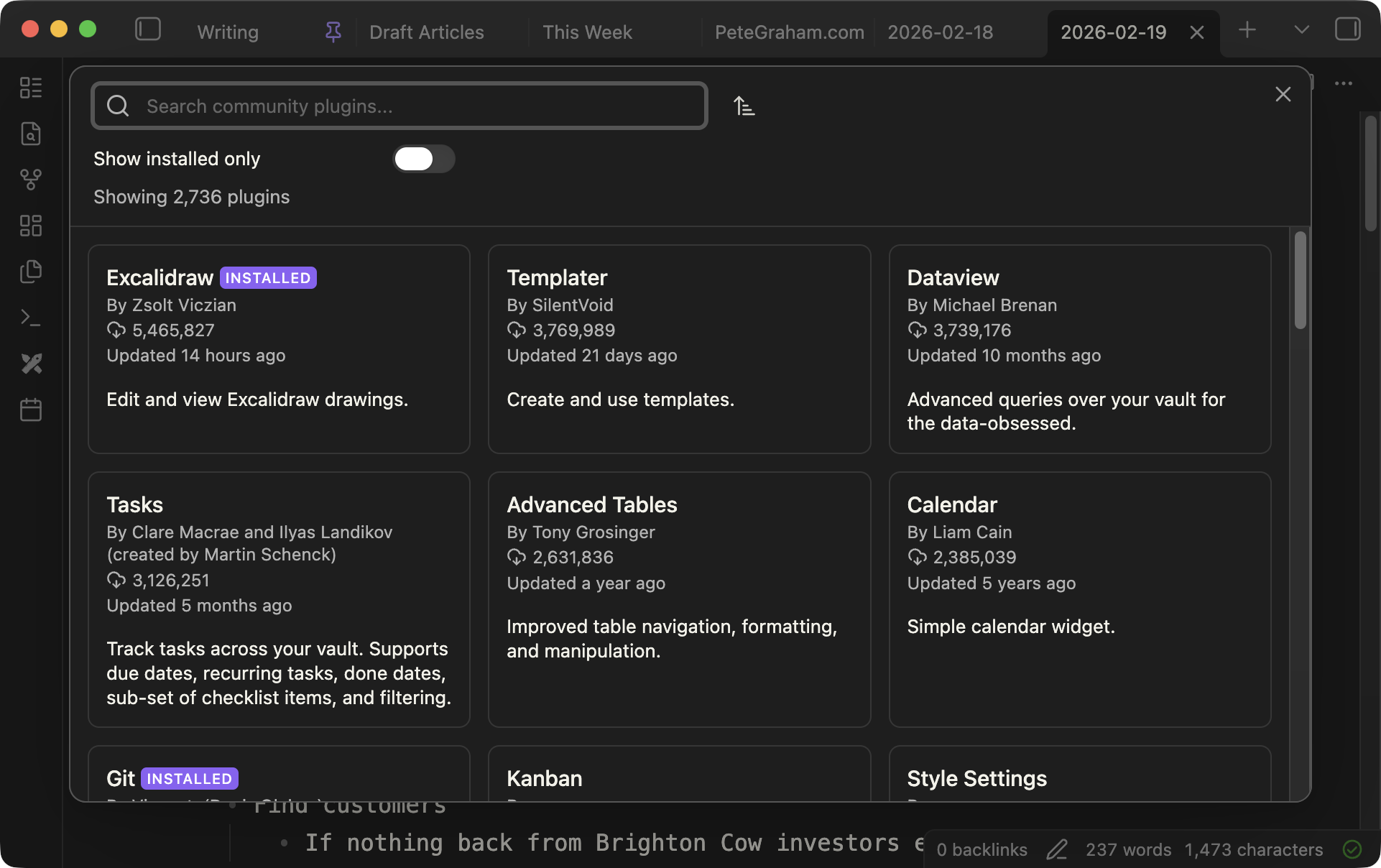
Once installed, it’s simple to extract a note:
- Highlight the section of the note you want to extract
- Click
CMD + P - Select “Note Refactor: Extract selection to new note - first line as file name” from the menu
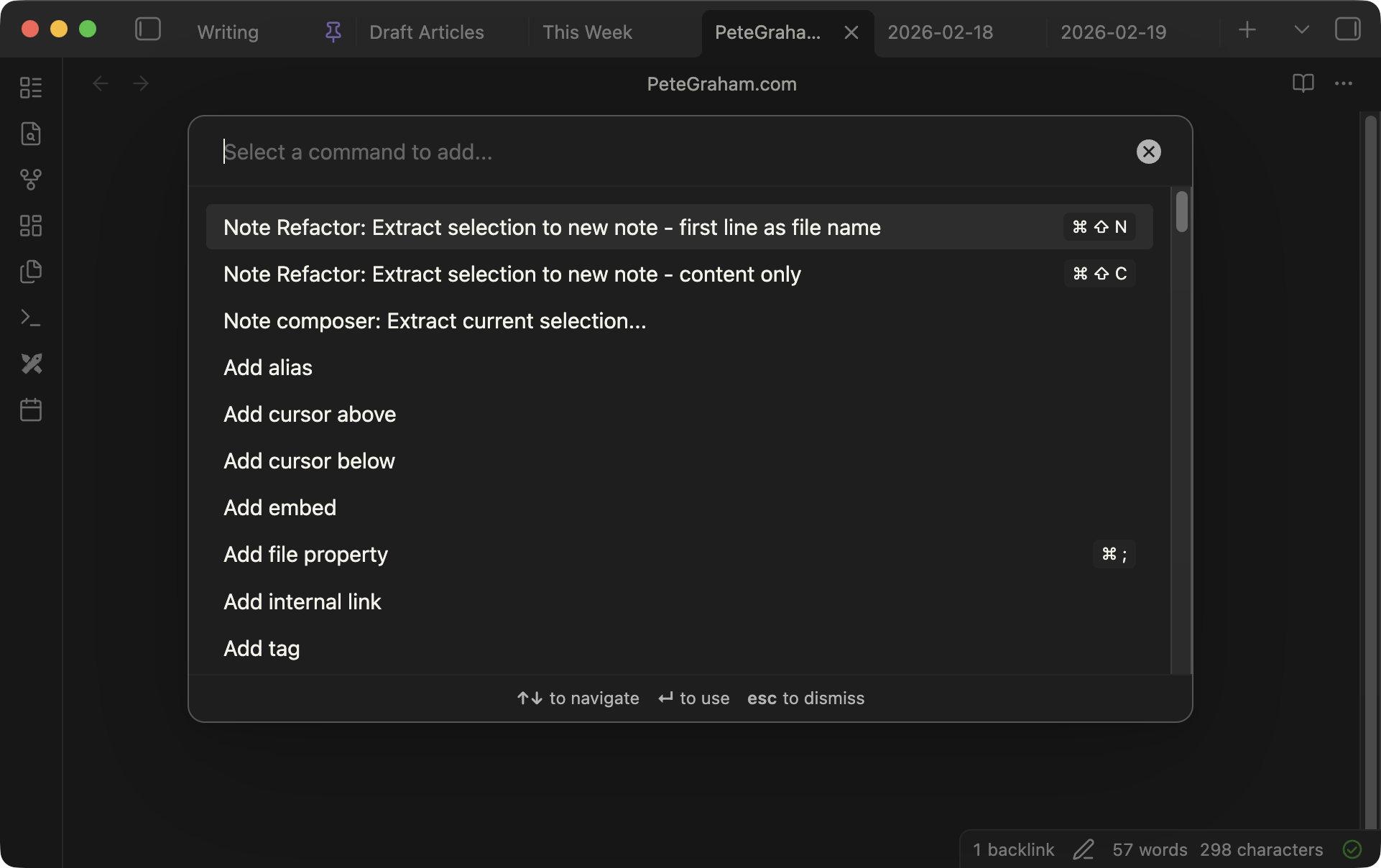
A new file will be created based on the first line of your extracted section, this note will open, and a link to it will be added to the original.